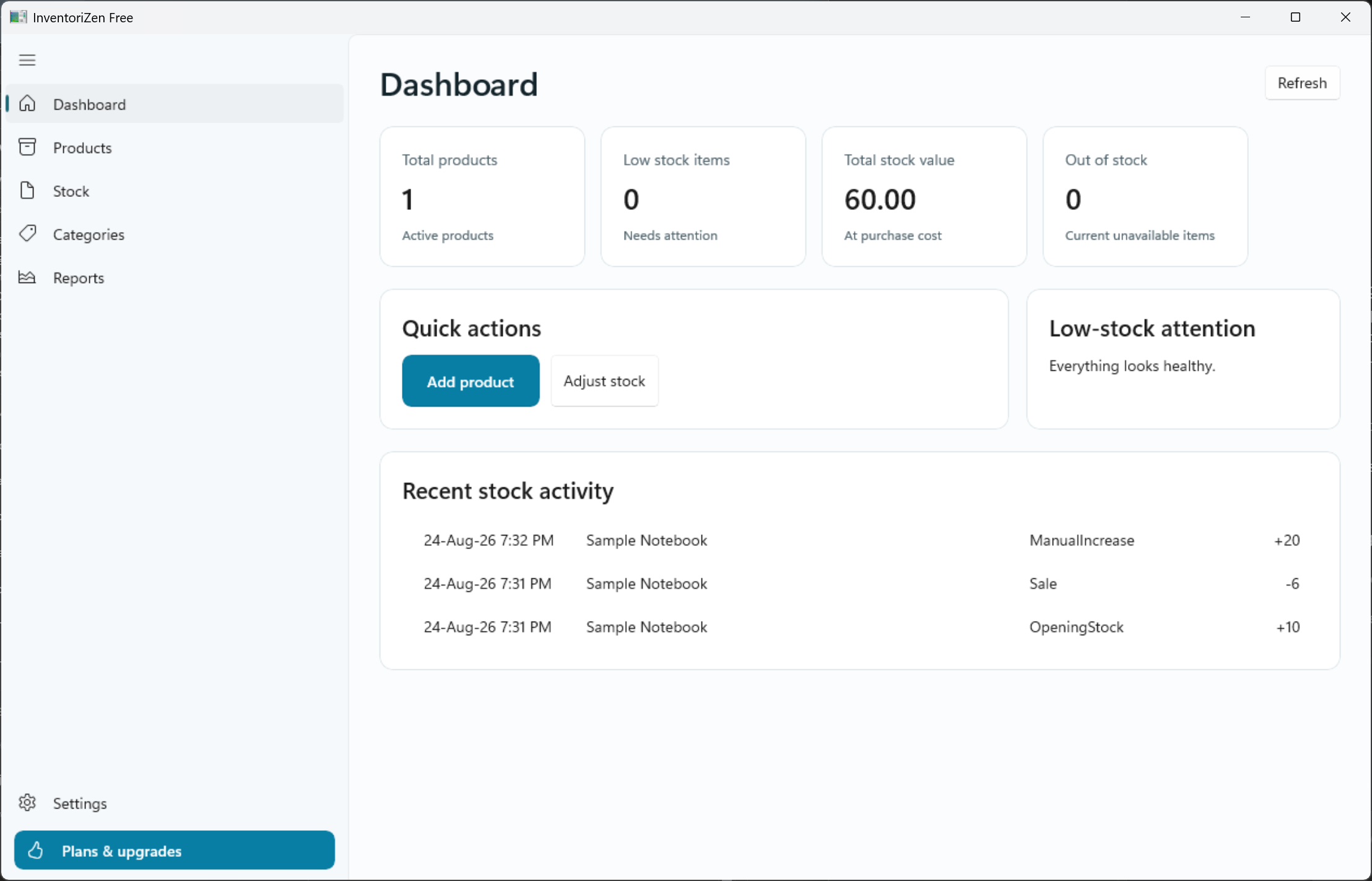
Dashboard
A focused summary of total products, low-stock items, stock value and recent activity.
- Total active products
- Low-stock and unavailable items
- Stock value at purchase cost
- Recent stock movement
InventoriZen Free
Free is designed for real daily use—not as a short demo. Start with the essentials and keep your records on your Windows PC.
A focused summary of total products, low-stock items, stock value and recent activity.
Maintain the information needed to identify, price and monitor every item.
Record changes through explicit actions and keep a clear local movement history.
Create a simple category structure that helps you find and understand products.
Review dated activity and straightforward totals without pretending to replace accounting software.
Choose a comfortable visual mode and set practical defaults for local stock work.
Designed around clarity
Navigation stays predictable, primary actions are easy to spot and every Free page is usable without exposing paid controls throughout the interface.
Compare all plans